Skip to main contentSkip to navigation
US 4K monitor buying guide

Best 4K Monitors in the US (2026) — from $160 today

A 4K monitor is the single biggest visible upgrade most people can make in 2026: text looks dramatically sharper, photo and video editing finally matches print, and modern GPUs can drive 4K at high refresh for gaming. The US market has three distinct price bands — an entry band for everyday office use, a mid-range band for the IPS sweet spot that suits both work and creative work, and a premium band for 27-inch 4K at 144Hz or 32-inch panels with Mini-LED HDR. This page pulls live listings from BuyWhere's catalog every few minutes so the price you see on each card is what US retailers are actually charging right now, not a static snapshot from earlier in the year.

  • Updated
  • US market coverage
  • Live BuyWhere search results

Quick next step

Start comparing prices

Search millions of products across Southeast Asia and the US — find the best price in seconds.

Building a deal feed? View docs

↓ View live deals

Editor summary

Which 4K monitor should you buy? At a glance

ModelPriceMerchant
Plugable USB 3.0 and USB-C 4K Dual Monitor Docking Station$160Plugable.Com
Plugable USB-C Triple 4K Monitor Docking Station with 100W Laptop Charging$246Plugable.Com
Plugable USB-C Triple 4K Monitor Docking Station with 100W Laptop Charging (B-Stock)$199Plugable.Com

Why 4K monitor prices in the US swing so widely

Three things drive the spread between the cheapest and most expensive 4K monitor listings on any given day. First, panel technology: VA panels are cheaper than IPS, and Mini-LED HDR backlights add a meaningful premium. Second, refresh rate: 60Hz to 144Hz adds a noticeable step up at the same size. Third, retailer competition: Newegg and B&H discount aggressively on Tuesday and Thursday, Amazon matches within hours, and Best Buy tends to hold price but bundles warranty or financing. The live cards on this page read current listings rather than a stale 'best price' table so you can compare what is actually available right now.

Buying signals

What changed with 4K monitors in 2026

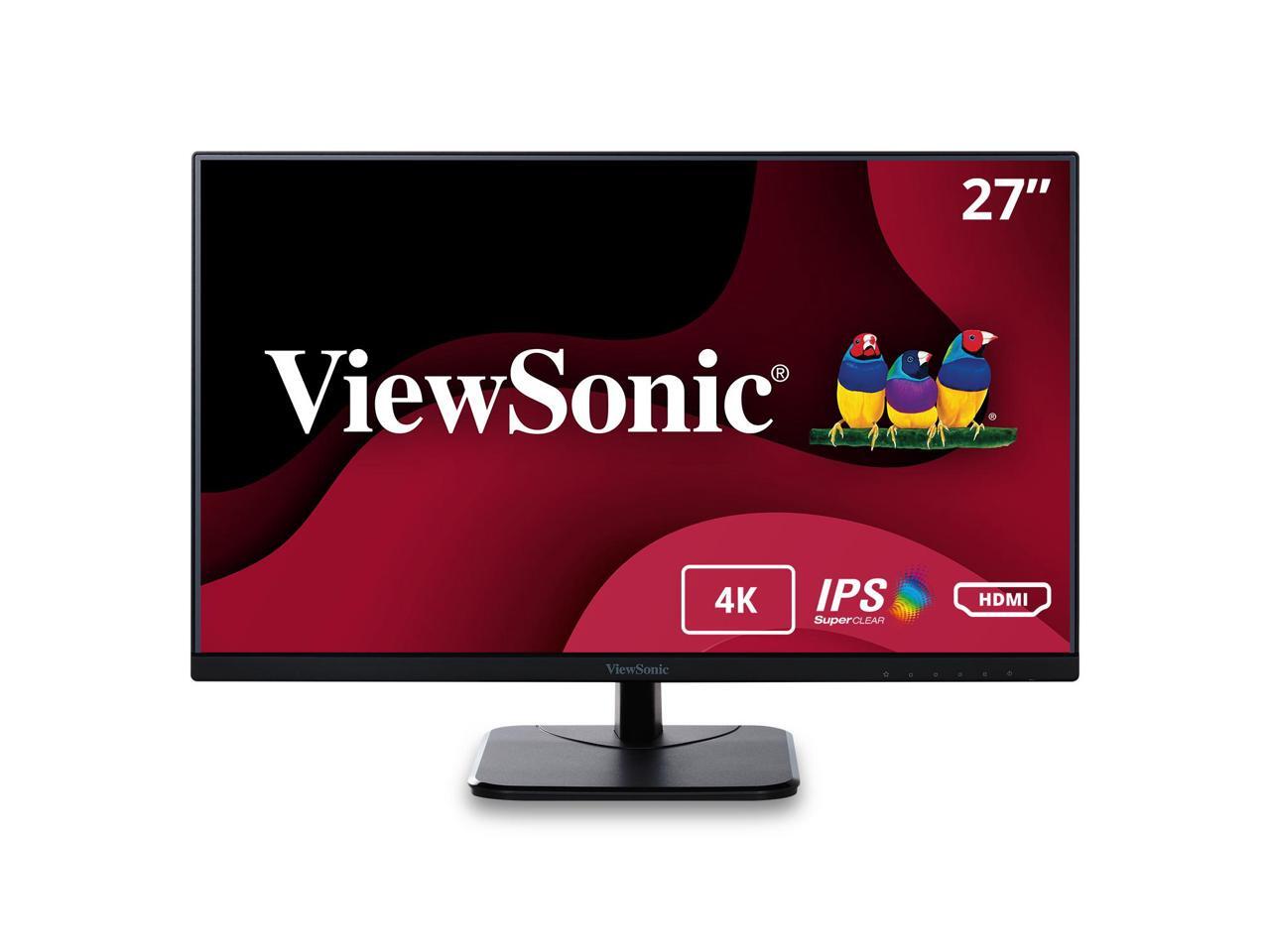
27-inch 4K is now the default

Two years ago, 27-inch 4K was a niche premium size; in 2026 it is the mainstream pick because pixel density hits roughly 163 ppi, which is the point at which macOS-style Retina scaling stops looking soft and text reads like a printed page. If you sit about 60-80cm from your screen, 27-inch 4K is the size to standardize on for both productivity and gaming.

High-refresh 4K is finally affordable

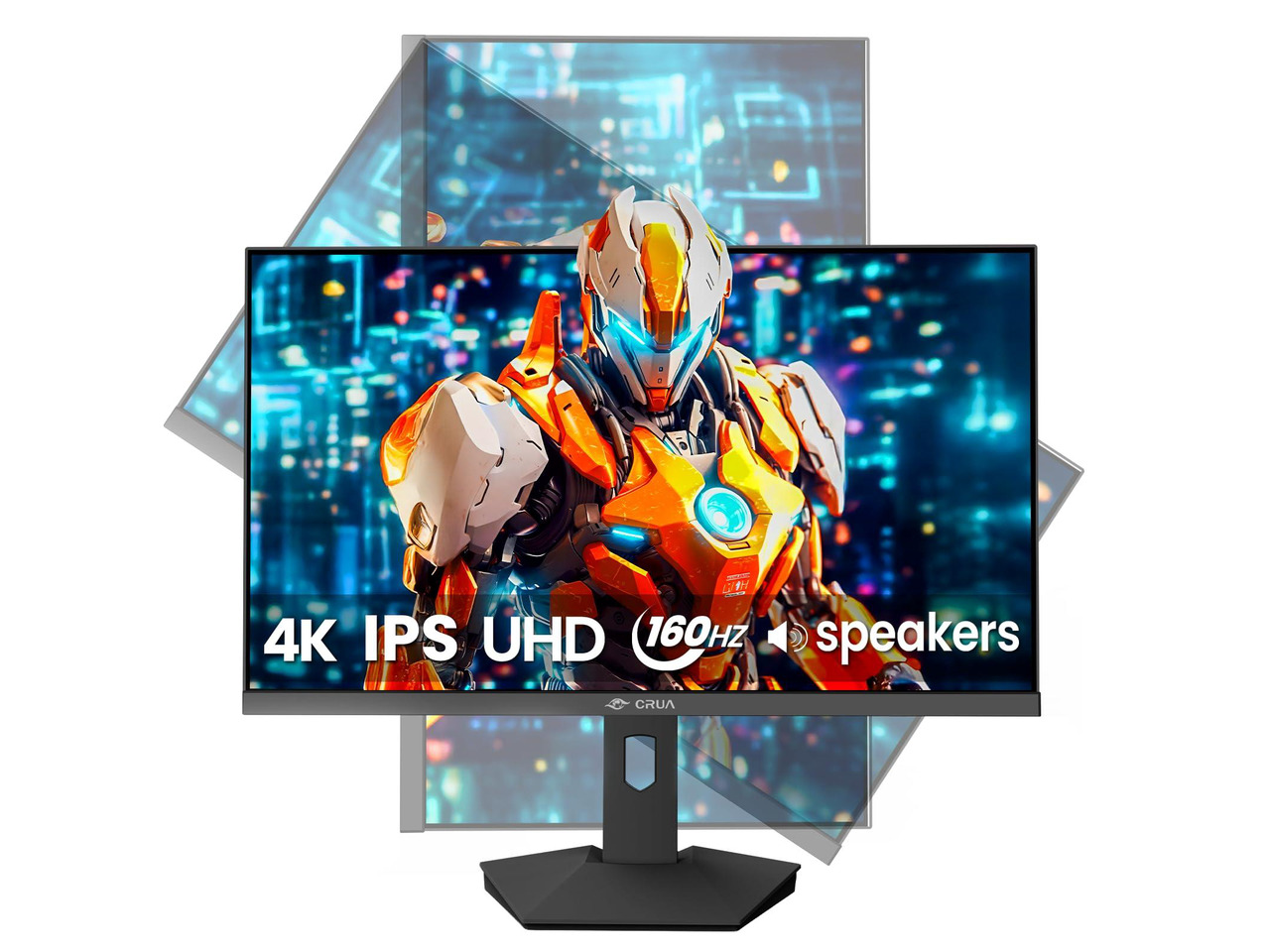
144Hz 4K panels that cost a four-figure sum in 2023 now sell in the mainstream range, and 165Hz models from Dell, LG and Gigabyte drop below the four-figure mark during sales. The catch is GPU: only current-generation mid-range and up cards drive modern games at 4K with high refresh enabled, so check your GPU before paying for a high-refresh 4K panel.

USB-C and KVM are now standard

Most 4K monitors in the mid-range band ship with USB-C input that can power and charge a laptop over a single cable, plus a built-in KVM so you can switch a keyboard and mouse between two computers with one button. If you dock a laptop at your desk, do not buy a 4K monitor without USB-C — the cable clutter is not worth the savings.

What to check

How to pick a 4K monitor without overspending

  • Measure your desk first: a 27-inch 4K works at 60-80cm viewing distance; a 32-inch 4K wants at least 80-100cm. Buying a 32-inch panel for a small desk leaves you sliding your head from side to side.
  • Prioritize panel tech before refresh rate: a 60Hz IPS with good color uniformity is more useful for most work than a 144Hz VA with poor viewing angles. If you do not game, save the money on refresh rate and spend it on color and USB-C.
  • Check the USB-C wattage. A USB-C input that delivers 65W will power a thin-and-light laptop; a MacBook Pro 16-inch wants 96W or higher. Buying a monitor with 65W USB-C for a 16-inch laptop means you still need the laptop's brick.
  • Skip HDMI 2.0 monitors entirely. Anything older than HDMI 2.1 or DisplayPort 1.4 caps 4K at 60Hz and blocks HDR properly. The card you buy should support the input you plan to use.
  • Warranty and dead-pixel policy vary wildly by brand. Newegg and Best Buy both cover three-year panel warranties on mainstream brands; Amazon's policy depends on the seller. If you buy direct from a smaller retailer, check the dead-pixel clause before you click buy.

Developer angle

Add BuyWhere to your agent

Integrate real-time product search into your AI agent with one API call.

View docs

Check live prices yourself

Pull the same 4K monitor prices your browser just saw

Every product card on this page is a snapshot of BuyWhere's live catalog. If you are building an agent, a price tracker, or just want to verify a listing, you can hit the same endpoint the page renders. No scraping, no proxies — one signed HTTP call and the JSON comes back. Three ways in:

  1. 1. REST — direct catalog search

    No auth required for low-volume reads. Returns the same merchant metadata this page ranks on.

    curl "https://api.buywhere.ai/v1/products/search?q=4K%20monitor&country_code=us&limit=6"
  2. 2. MCP — tool-callable from any agent

    Connect once and your agent can call search_products, find_best_price, and get_deals directly.

    https://mcp.buywhere.ai →

  3. 3. Self-serve API key — one call, no dashboard

    Higher rate limits and MCP access need a key. Register takes one POST; the free tier is enough for most prototypes.

    curl -X POST "https://api.buywhere.ai/v1/auth/register?verify=false" \
      -H "Content-Type: application/json" \
      -d '{"agent_name":"my-agent"}'
FAQ

4K monitors in the US — common questions

Is a 4K monitor worth it over a 1440p monitor for office work in the US?

For most office work, yes. 4K at 27 inches gives the same usable space as 1440p at 24 inches, but text is noticeably sharper. If you only do email and documents, the difference is incremental; if you read PDFs, edit spreadsheets or write code, 4K is worth the upgrade.

Do I need HDMI 2.1 for a 4K monitor in 2026?

If you want 4K at 120Hz or higher for gaming, yes. For 4K at 60Hz, HDMI 2.0 is sufficient but HDMI 2.1 is becoming standard anyway. If you are buying a new monitor and a new GPU at the same time, prioritize DisplayPort 1.4 DSC or HDMI 2.1 so you are not replacing the cable in 12 months.

What size 4K monitor should I buy in the US?

27 inches for desks under 80cm deep, 32 inches for desks 80cm or deeper. Going larger than 32 inches at 4K drops pixel density below the Retina threshold and you lose the sharpness advantage; if you want bigger than 32 inches, step up to 5K instead.

Can I use a 4K monitor with a Mac in the US?

Yes. macOS scales 4K panels to look like a high-density Retina display, which is the configuration most creative professionals use. For best results pick a monitor that supports DisplayPort Alt Mode over USB-C at the wattage your MacBook needs.

Get the best deals weekly

Price drops, new markets, and AI shopping tips — straight to your inbox.